







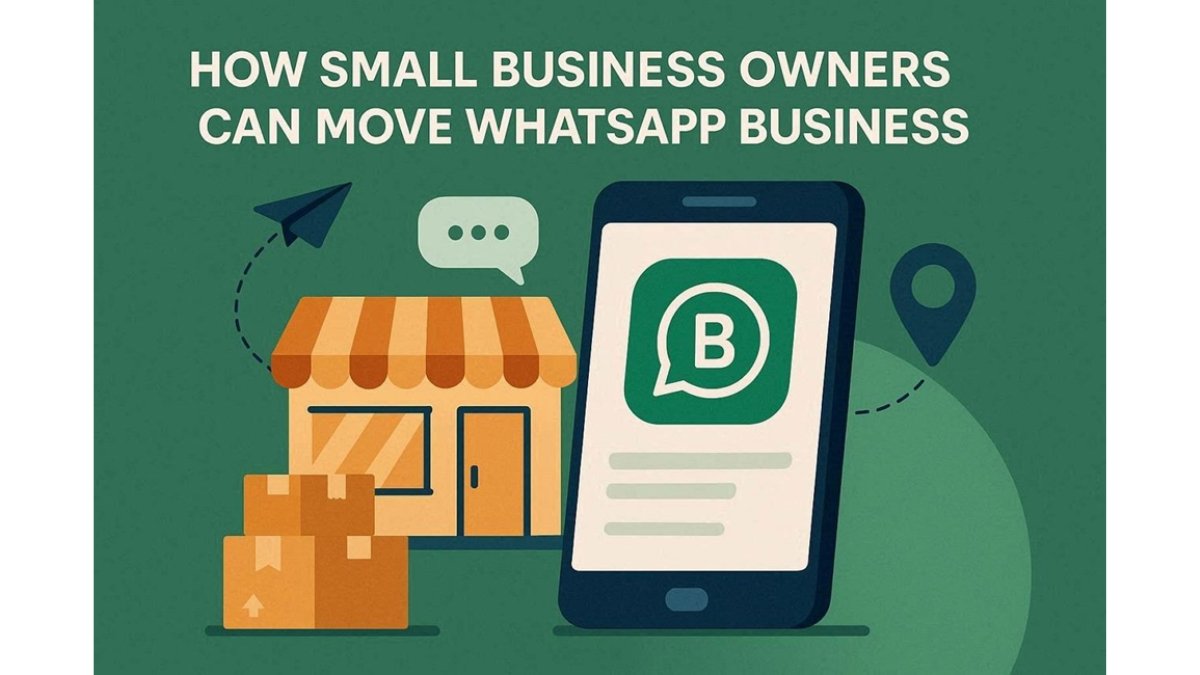
New Delhi [India], May 28: For small business owners, WhatsApp Business is a lifeline for managing leads and customer support. Therefore, moving to a new phone isn’t just a technical task; it is a matter of business continuity. Losing chat history means losing client trust, order details, and vital conversation records. Any disruption during this migration can result in missed opportunities or frustrated customers who expect quick replies.
Thus, ensuring a smooth transition is essential to keep operations running without a hitch. This guide explains how to move business data safely with tools like Dr.Fone – WhatsApp Transfer, where every contact and catalog remains intact.
Part 1. Why WhatsApp Business Data Matters More Than People Think
While learning to transfer WhatsApp to a new phone, review the 5 given reasons and learn the importance of WhatsApp Business data:
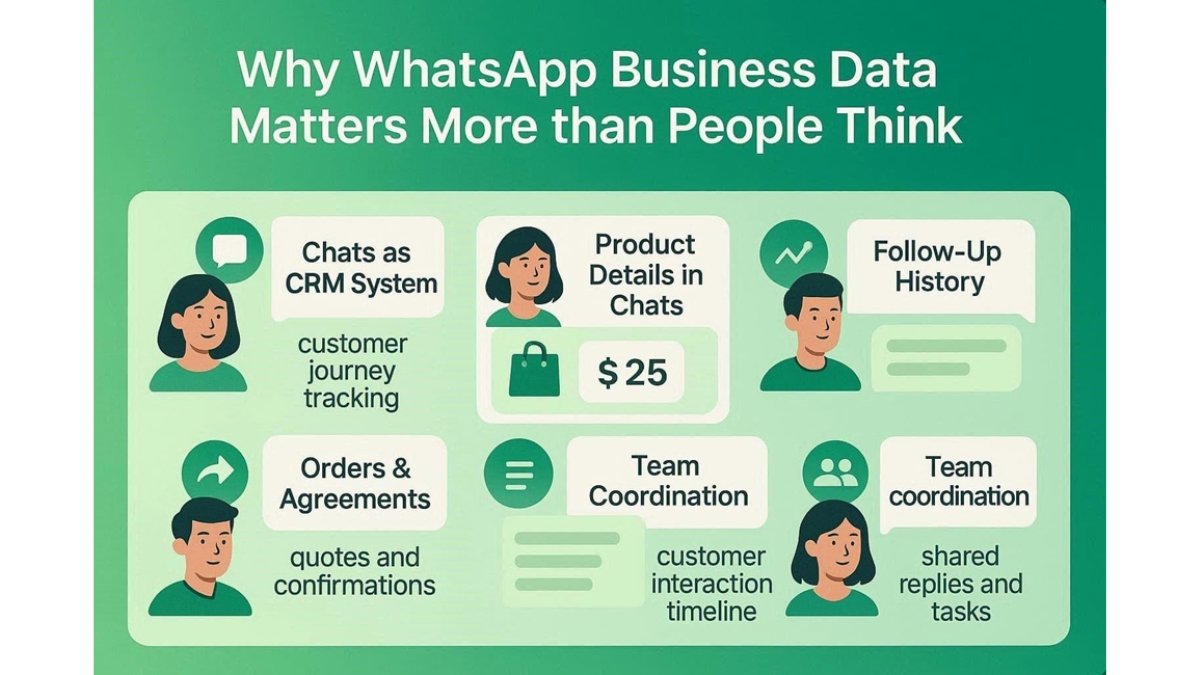
- Chats Act as CRM System: WhatsApp Business chats store full customer interactions from first contact to final deal. Loss of history removes context about customer needs, promises, and pending tasks.
- Product Details Stay in Chats: Photos, prices, and descriptions are often shared directly in chat threads. Missing chats make it hard to confirm product details or agreed pricing.
- Orders and Agreements in Messages: Quotes, approvals, and order details are stored as chat messages. Lost data creates issues in proof, dispute handling, and order tracking.
- Follow-Up History Tracks Journey: Chats show reminders, support, and the complete customer interaction timeline. Missing history leads to repeated questions and poor customer experience.
- Team Coordination Needs Records: Shared chats help teams track replies, tasks, and customer communication. Without history, confusion, duplicate replies, and missed tasks increase.
Part 2. Risks of Upgrading Phones Without a Migration Plan
Many users want to learn how to migrate WhatsApp messages from Android to iPhone, mainly WhatsApp Business. As one gets the solution to do so, they must review the mentioned risks if the transfer is done without any plan:
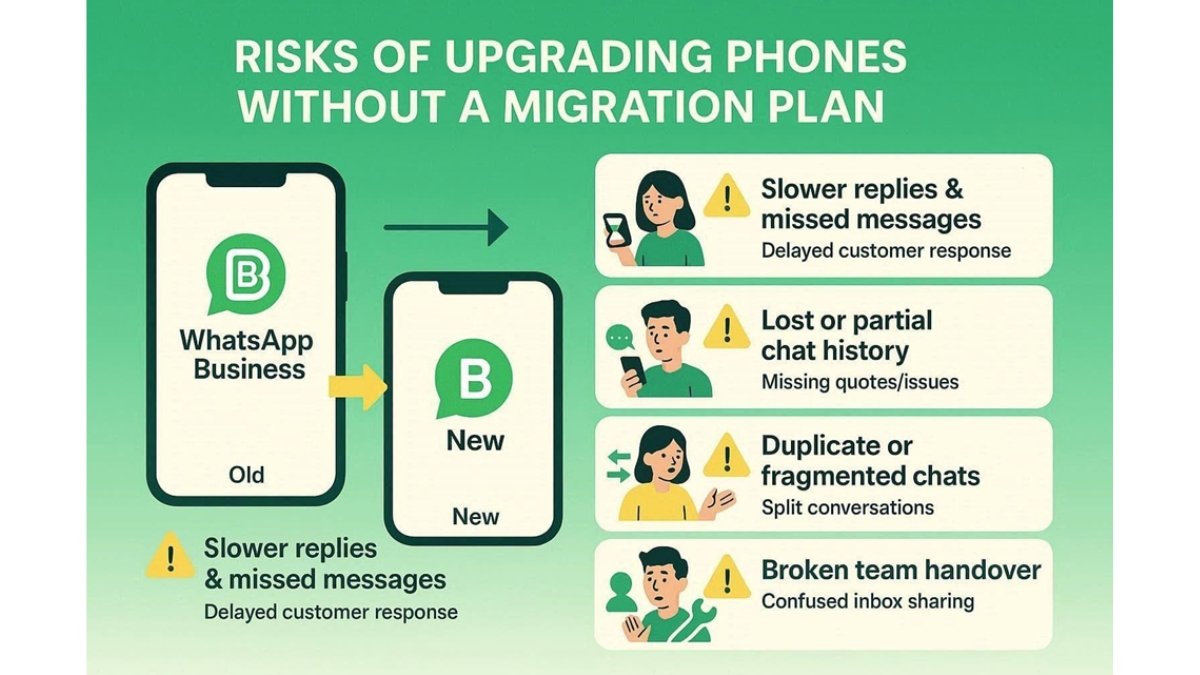
- Slower Replies and Missed Messages: An incomplete setup after a device change delays WhatsApp Business responses. Customers may see silence even when support is trying to recover access.
- Lost or Partial Chat History: Missing backup or transfer leaves incomplete conversation records on the new device. Important quotes and pending issues may stay on the old phone or be lost in the backup.
- Duplicate or Fragmented Chats: Multiple migration attempts split chats across the old phone, the new phone, and the cloud. Staff lose clarity and repeat information, slowing customer communication.
- Broken Team Handover: Poor migration causes confusion in the shared WhatsApp Business inbox. Team members may miss replies, duplicate responses, or lose context in conversations.
- Higher Support and Fix Effort: Failed transfers increase troubleshooting time instead of customer support work. Staff spend hours fixing issues such as backup failures, login problems, and verification errors.
Part 3. How to Transfer WhatsApp Business to a New Phone Smoothly
To know how to transfer data to a new phone, mainly the WhatsApp Business data, here is the planned and clear workflow:
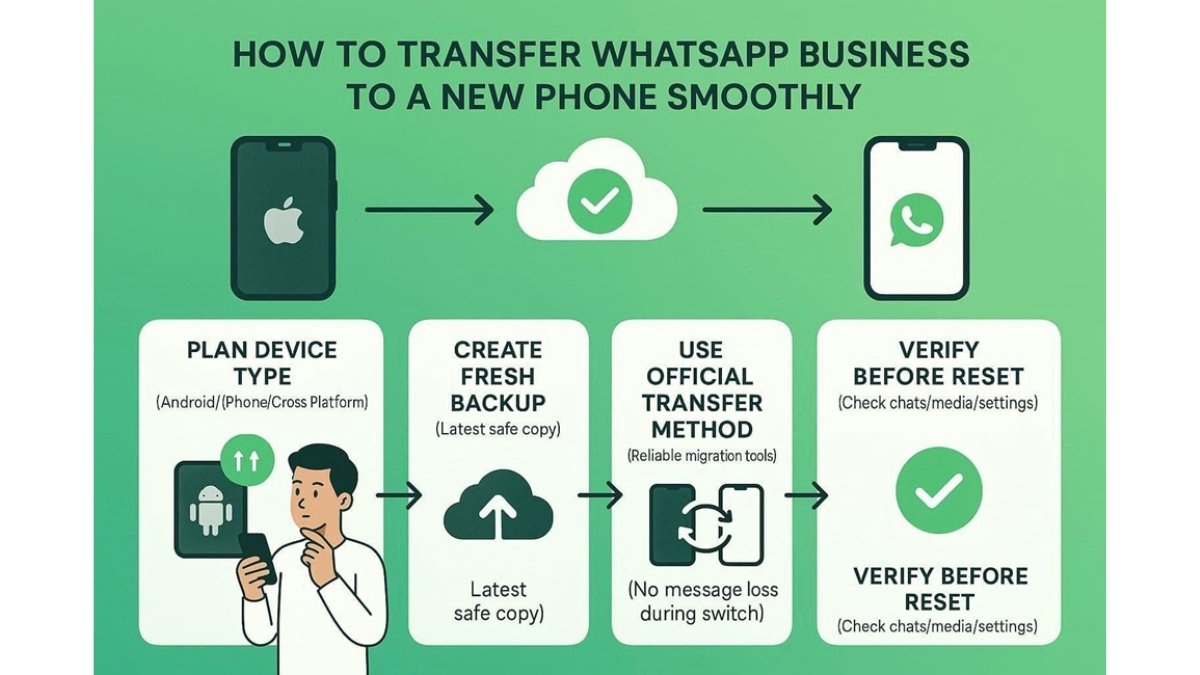
- Plan Type of Device Move: Identify Android to Android, iPhone to iPhone, or cross-platform switch first. The choice decides backup, restore, or transfer method for WhatsApp Business data.
- Create Fresh Backup: Make a new, complete backup before starting any migration steps. A recent backup ensures safe recovery if the transfer fails or stops midway.
- Use Official Transfer Method: Follow the built-in restore or supported transfer tools to move data. A proper method ensures that chats and media move in a structured, reliable way.
- Maintain Business Activity During Switch: Keep the old phone active until the transfer confirmation is fully complete. This avoids missed customer messages during migration downtime.
- Verify Everything Before Old Phone Reset: Check chats, media, labels, and settings on the new device carefully. Only reset the old phone after confirming a complete and correct data transfer.
Part 4. How to Handle the Rest of the Phone Upgrade at the Same Time?
Business owners upgrading their hardware must manage more than just chat logs to maintain professional continuity. A complete transition requires moving a massive directory of client contacts, images, and essential business documents stored across various folders. Therefore, transfer tools like Dr.Fone – WhatsApp Transfer allow moving these data types in 2-3 simple steps.
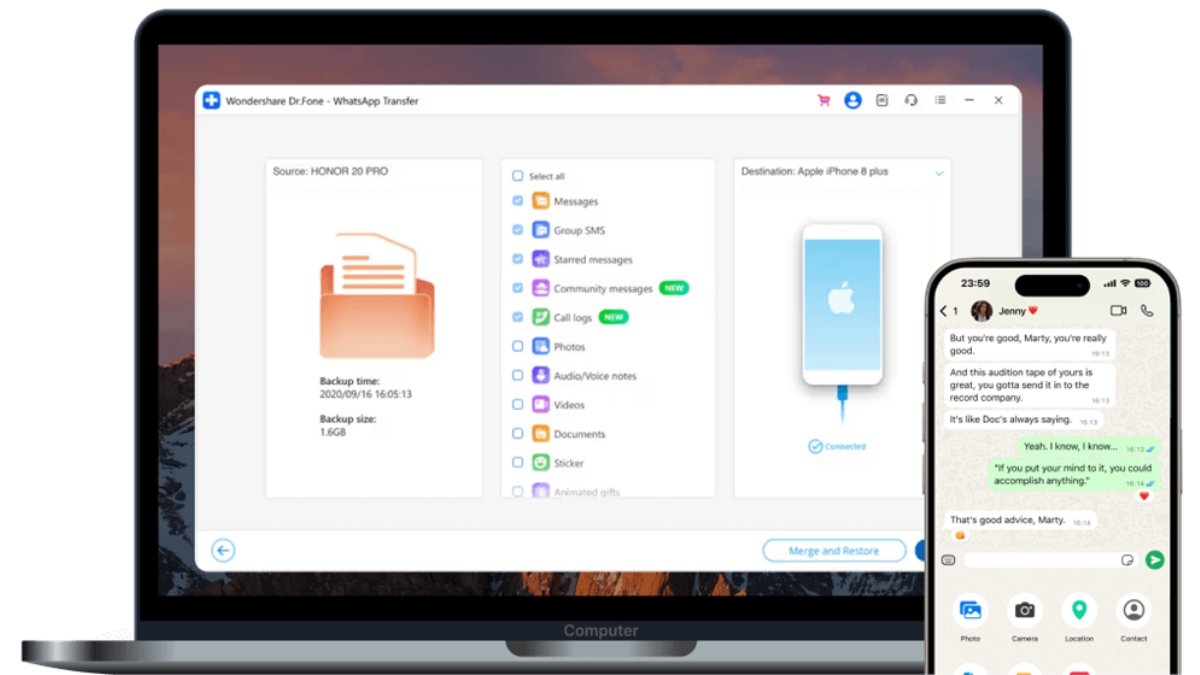
Since these tools claim to enable local, secure data migration, they ensure that no lead or appointment is forgotten with the selective transfer option. By handling all device data simultaneously, the new phone becomes a fully functional mobile office the moment the migration finishes.
Part 5. Post-Migration Checks for Business Continuity
After the successful transfer of WhatsApp to a new phone, perform the 5 mandatory checks to be on the safe side:
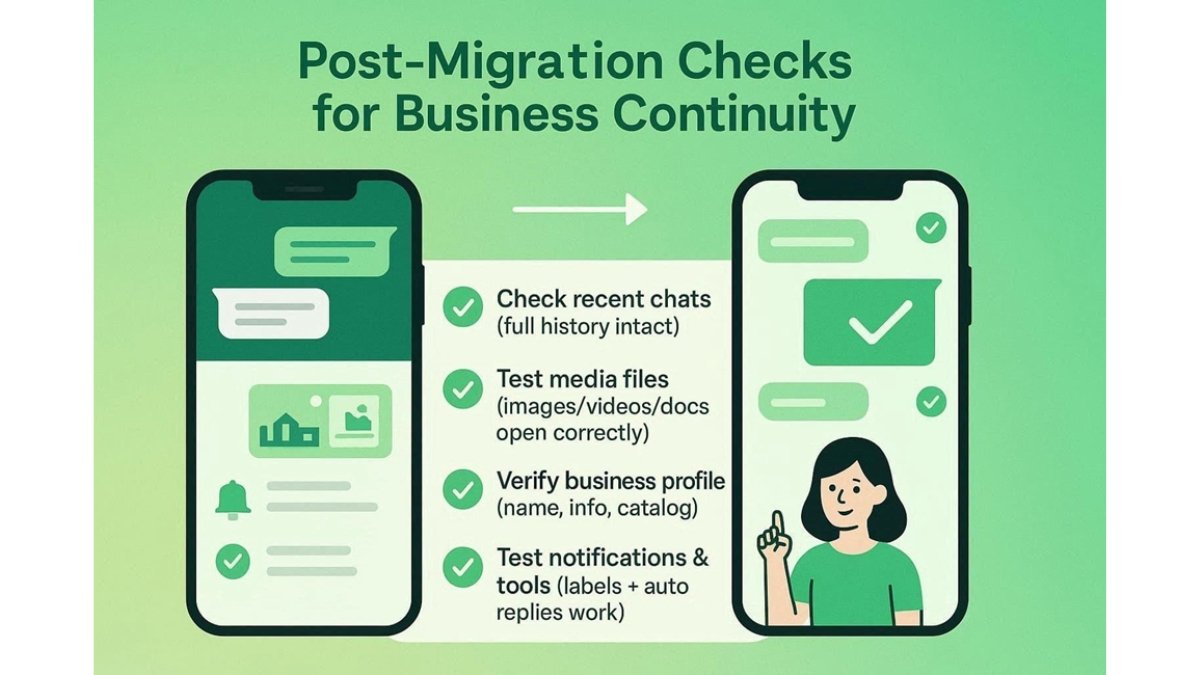
- Check Recent Chats: Confirm all recent one-to-one and group chats appear correctly after migration. Open key threads and scroll back to verify full message history is intact.
- Test Media Inside Chats: Open images, videos, voice notes, and documents in different conversations. Missing files or errors indicate incomplete media transfer or backup issues.
- Verify Business Profile Data: Check business name, contact info, hours, and catalog entries after migration. A correct profile ensures customers see the same brand details as before the transfer.
- Test Notifications and Tools: Ensure messages, labels, and automated replies work correctly on the new device. Proper setup keeps customer responses timely and organized.
- Run Final Live Checks: Send test messages and confirm replies before resetting the old phone. The old device should stay active until full WhatsApp readiness is confirmed.
Conclusion
Summing up, successful business continuity depends on a flawless digital transition. Protecting customer history, orders, and leads is essential for maintaining professional trust and growth. Thus, by following a structured workflow and using reliable migration methods like Dr.Fone – WhatsApp Transfer, owners can avoid costly downtime and data loss. Transfer tools also offer the security and speed needed to get back to work immediately.
If you object to the content of this press release, please notify us at pr.error.rectification@gmail.com. We will respond and rectify the situation within 24 hours.